Prototyping & Wireframing: Reducing Development Risk Before Code
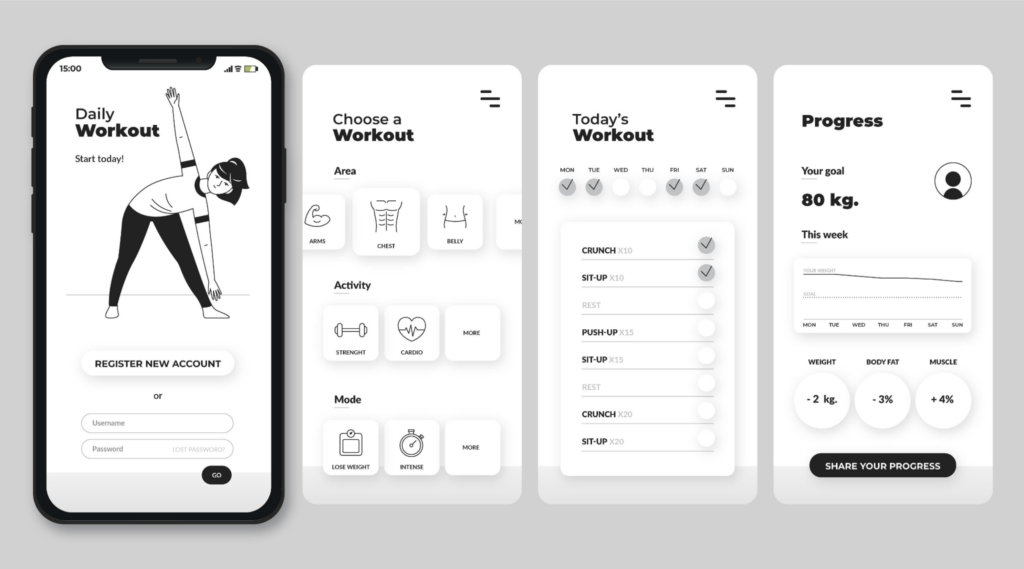
Mobile app design is the process of turning human needs into structured, touch-based digital experiences. Design Thinking provides the foundation for this transformation. It begins with understanding how people behave, what problems exist in daily routines, and how digital tools fit into those routines.
Rather than focusing on features first, Design Thinking places context first. Every screen, action, and transition exists to support clarity and purpose. An app that follows this approach feels natural, predictable, and easy to navigate.
Design Thinking in mobile app design involves:
This approach ensures that the final product aligns with how people think and act, not how technology alone operates.
Platform selection shapes every design decision. Different platforms attract different audiences and usage patterns. iOS often leads in high-value markets, while Android dominates in global volume. Strategy starts with understanding user demographics, device preferences, and behavioral habits.
Designing for both platforms is common. A shared design system maintains consistency, while platform-specific patterns preserve native interaction.
iOS design emphasizes clarity, hierarchy, and refinement. Interfaces follow structured navigation patterns and clean typography. Consistency across iPhone, iPad, watchOS, and macOS strengthens usability and trust. Micro-interactions, animations, and accessibility features enhance precision.
Android design prioritizes flexibility. Devices range from phones and tablets to foldables and in-car systems. Layouts rely on responsive grids and scalable components. Google’s guidance supports consistency while allowing visual identity to remain unique.
Every successful app relies on four connected disciplines:
UI provides appearance. UX provides structure. Interaction design provides movement. Branding provides personality. Together, these elements form a complete experience.
Design acts as the first filter of trust and engagement. Confusion leads to abandonment. Poor layout, slow loading, and unclear navigation cause users to leave.
Mobile screens magnify small mistakes. Tight spacing, unreadable text, and inconsistent patterns weaken confidence. Performance also belongs to design. Speed influences perception. Fast apps feel reliable. Slow apps feel broken.
Design Thinking ensures that every screen exists for a reason and every action feels intentional.
Each screen must serve a single, clear purpose. When multiple actions compete for attention, decision-making slows and frustration increases. Simplicity removes unnecessary elements and highlights only what supports the primary task.
A simple screen answers three questions instantly:
What is this screen for?
What action matters most here?
What happens next?
By reducing visual noise and limiting choices, users move forward without hesitation. Simplicity improves speed, accuracy, and satisfaction.
Consistency creates familiarity. When buttons, icons, colors, spacing, and motion behave the same way across the app, users learn patterns and stop thinking about how the interface works.
A unified design system acts as a single source of truth. It ensures that layouts feel connected, interactions remain predictable, and visual language stays stable across features. Predictability builds trust. Trust leads to confidence. Confidence drives continued use.
Readability determines how quickly information becomes understandable. Text that feels small, crowded, or low-contrast forces extra effort. That effort turns into fatigue.
Strong readability relies on:
Clear type hierarchy
Adequate spacing between lines and elements
High contrast between text and background
When content scans easily, users absorb meaning at a glance. Good readability turns information into action.
Feedback confirms intent. Every tap, swipe, or selection must trigger a visible or tactile response. Without feedback, actions feel uncertain and disconnected.
Effective feedback includes:
Visual changes (color shifts, highlights, loaders)
Haptic responses (vibration)
Sound cues (when appropriate)
Feedback forms a conversation between the app and the user. It reassures that the system is listening and responding.
Mobile devices operate through the hand, not the mouse. Primary actions must sit inside the natural thumb-reach zone. This placement reduces strain and speeds interaction.
Think of the screen as a cockpit. The most important controls belong where the hand naturally rests. Less critical actions move toward the edges or upper zones. A thumb-first layout increases comfort and control.
Notifications function as interruptions. Only meaningful interruptions deserve attention. Each message must deliver clear value, relevant timing, and personal context.
An effective notification strategy includes:
Purposeful messaging
User-controlled frequency
Content tied to real behavior
When notifications respect attention, engagement stays high. When they interrupt without value, uninstallations increase.
Personalization transforms generic interfaces into relevant experiences. It adapts content, shortcuts, and suggestions based on behavior and context.
Strong personalization remains transparent. Users must understand why content appears and how data influences experience. Privacy controls must stay visible and easy to manage.
When personalization feels respectful and useful, trust grows, and long-term engagement strengthens.
Wireframing and prototyping transform abstract ideas into visible structure and interaction.
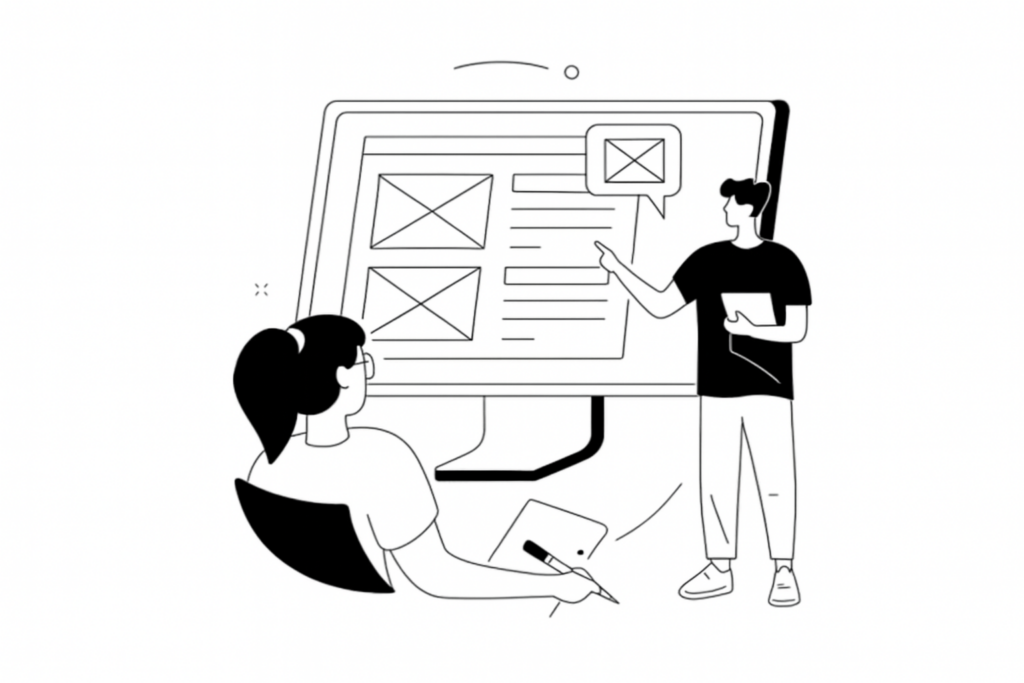
Wireframes act as blueprints. They define layout and content hierarchy without visual styling. Wireframes answer:
Prototypes simulate real interaction. They show how the app feels in use. Prototypes validate flow, usability, and logic before development begins.
Wireframes establish the skeleton of an app. Each screen exists to support a task. Hierarchy determines what attracts attention first. Spacing guides the eye. Flow connects actions into journeys.
Wireframing removes guesswork. It aligns designers, developers, and stakeholders around a single structure before visual layers appear.
Prototyping services convert wireframes into clickable, interactive models. This stage reveals usability issues early.
Prototype development services allow testing without code. Problems surface before investment increases. Rapid prototyping service frameworks support iteration and improvement without delay.
A prototyping tool supports layout, interaction, and collaboration. These tools allow design teams to explore structure, simulate experience, and collect feedback.
UX improves when testing becomes visible and continuous. Prototyping tools enable refinement before development begins.
Modern design teams rely on specialized platforms to move from idea to interaction with speed and accuracy. Each design tool plays a strategic role in prototype design services, supporting structure, collaboration, and validation before development begins.
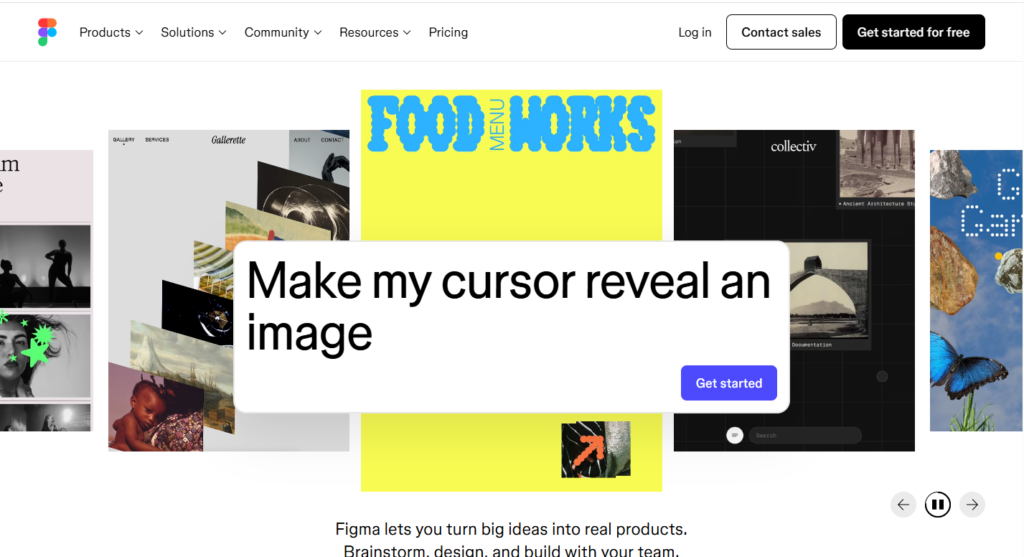
Figma operates entirely in the cloud, allowing multiple designers, product managers, and engineers to work on the same file at the same time. This real-time collaboration eliminates version confusion and keeps everyone aligned.
Figma supports:
• Wireframing and interface layout
• Interactive prototyping
• Design system management
• Live feedback and commenting
Its flexibility makes it ideal for both early wireframes and high-fidelity prototypes. Design teams use Figma to move fast without losing accuracy.
Adobe XD focuses on precision and structure. As a vector-based tool, it allows clean, scalable interface design for mobile and web products.
Adobe XD supports:
• Screen design and layout
• Clickable prototype creation
• Transition and animation control
• Integration with creative assets
This tool fits well into environments that require visual consistency and brand alignment across platforms.
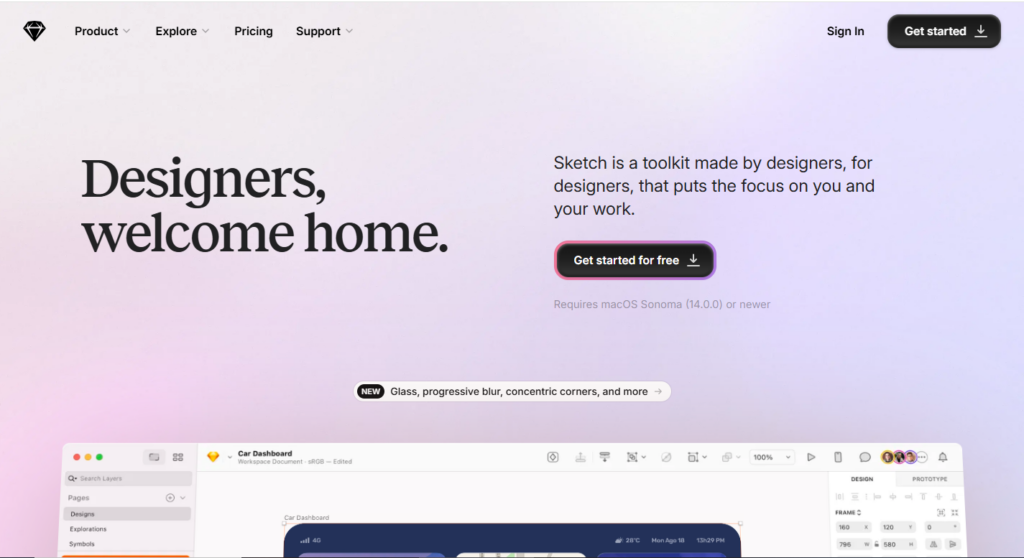
Sketch is optimized for screen-based design. It focuses on layout, typography, and component-based workflows.
Sketch supports:
• UI screen creation
• Symbol and component reuse
• Plugin-driven workflows
• Design system structuring
Sketch remains effective for teams that prioritize structured interface systems and consistent visual language.
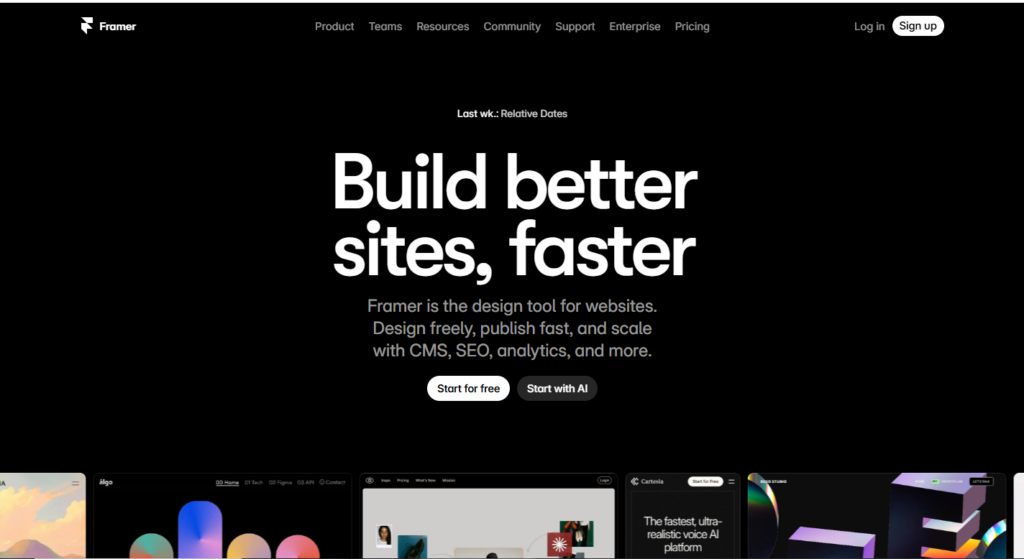
Framer allows designers to go beyond static screens. It supports complex interactions and dynamic behavior.
Framer supports:
• Realistic interaction design
• Automated layout systems
• Logic-based transitions
• High-fidelity prototypes
This tool bridges the gap between design and engineering by allowing behavior simulation before development begins.
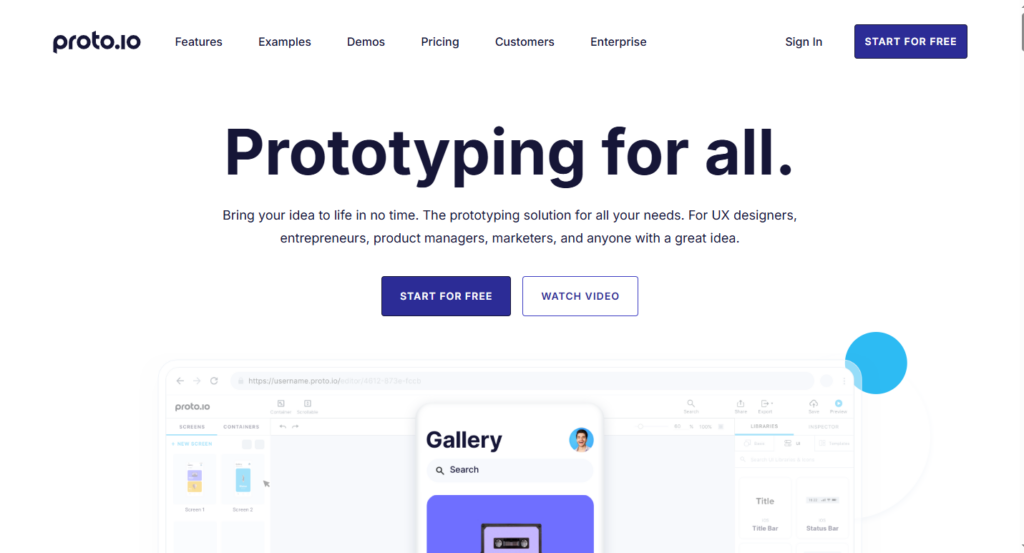
Proto.io focuses on interactive prototyping across devices. It supports phone, tablet, desktop, and wearable screens.
Proto.io supports:
• Drag-and-drop interface building
• Mobile gesture simulation
• Cross-device testing
• Rapid prototype validation
This tool strengthens usability testing before development investment increases.
InVision Studio focuses on motion and transitions. It allows teams to simulate how screens connect and animate.
InVision Studio supports:
• Advanced animation timelines
• Gesture-based transitions
• Responsive layout behavior
• Interactive storytelling
Motion design improves clarity and emotional engagement when used with purpose.
Each design tool supports different stages of prototype design services. Some tools define structure. Others simulate behavior. Others refine visual polish.
Together, these platforms allow design teams to move from concept to validation with speed, clarity, and confidence.
Complete prototype services depend on iteration and validation.
Design Thinking with wireframing and prototyping establishes clarity before complexity. Structure replaces assumptions. Interaction replaces guesswork. Experience becomes measurable and scalable.
Professional prototyping services define modern product success by aligning design logic with real behavior. Prototype services ensure that digital products earn trust, loyalty, and long-term engagement.
AtheosTech applies this structured Design Thinking framework through Rapid Prototyping Service & Wireframing, prototype development services, and complete prototype services to deliver applications built on clarity, usability, and validated user experience.
At AtheosTech, prototyping services help businesses visualize, test, and validate ideas before full development begins. Instead of guessing what users want, AtheosTech creates interactive models that simulate real behavior. This reduces risk, saves development costs, and ensures your product is built around real user needs, not assumptions.
At AtheosTech, Rapid Prototyping Service & Wireframing focuses on logic, flow, and behavior before visuals. While traditional design starts with how things look, AtheosTech starts with how users think, move, and decide inside your product. This leads to clearer user journeys and stronger conversions.
AtheosTech recommends using prototype development services at the very beginning, before coding starts. Whether you’re launching a new app or fixing an underperforming one, AtheosTech helps you validate ideas early and avoid expensive redesigns later.
At AtheosTech, our design teams use advanced tools like Figma and other leading prototyping tool platforms. These tools allow AtheosTech to build interactive models, test user flows, and refine the user experience with precision and speed.
At AtheosTech, prototype services improve the user experience by identifying friction, confusion, and emotional disconnect before development. When users feel clarity and trust, engagement rises, retention improves, and conversions increase, exactly what AtheosTech engineers into every product.
At AtheosTech, prototyping services help businesses visualize, test, and validate ideas before full development begins. Instead of guessing what users want, AtheosTech creates interactive models that simulate real behavior. This reduces risk, saves development costs, and ensures your product is built around real user needs, not assumptions.
At AtheosTech, Rapid Prototyping Service & Wireframing focuses on logic, flow, and behavior before visuals. While traditional design starts with how things look, AtheosTech starts with how users think, move, and decide inside your product. This leads to clearer user journeys and stronger conversions.
AtheosTech recommends using prototype development services at the very beginning, before coding starts. Whether you’re launching a new app or fixing an underperforming one, AtheosTech helps you validate ideas early and avoid expensive redesigns later.
At AtheosTech, our design teams use advanced tools like Figma and other leading prototyping tool platforms. These tools allow AtheosTech to build interactive models, test user flows, and refine the user experience with precision and speed.
At AtheosTech, prototype services improve the user experience by identifying friction, confusion, and emotional disconnect before development. When users feel clarity and trust, engagement rises, retention improves, and conversions increase, exactly what AtheosTech engineers into every product.
Adding {{itemName}} to cart
Added {{itemName}} to cart