


- AtheosTech
Top Mobile App Design Principles Every Beginner Should Know
A quick guide to mastering the essential UI/UX foundations that shape modern mobile experiences

Key Takeaways
- Strong Mobile App Design begins with strategic research, platform clarity, and a structured visual foundation.
- High-performing mobile designs rely on consistency, simplicity, visual hierarchy, accessibility, and performance-oriented execution.
- Industry-leading apps demonstrate how design principles transform complex products into clear, engaging experiences.
- Professional design tools expand creative capability, support precise workflows, and reinforce industry-standard output quality.
- Continuous refinement ensures long-term relevance and sustained engagement across all mobile apps.
How to Design a Mobile App:
The Essentials
Mobile App Design represents a disciplined blend of creativity, logic, and user psychology. Every successful app begins long before any screen is crafted. Foundations established at the earliest stages shape how the final product functions, performs, and resonates across diverse audiences. With mobile apps dominating digital ecosystems, a thoughtful, research-driven design approach is crucial for delivering clarity, consistency, and long-term value.
The following sections present a complete, authoritative pathway that aligns with industry expectations, followed by leading mobile app design agency teams, app design firm professionals, and established mobile application design services providers.
Each fundamental step creates a strong structure for the design principles that follow

Once foundational decisions are in place, the next step involves applying essential design principles that elevate product quality.
These principles transform raw ideas into polished, intuitive, and industry-aligned experiences.

“Discover the Principles Behind High-End Mobile UX”

Studying industry-leading apps provides real-world validation of design principles. These examples showcase how thoughtful Mobile App Design elevates complex ideas.
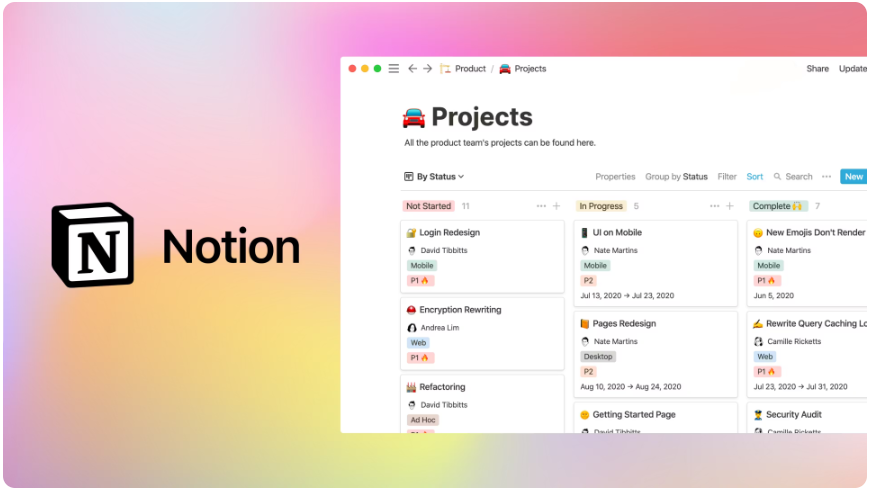
Notion merges multiple tools, notes, tasks, databases, and collaboration into one modular workspace. Despite handling extensive content, its design remains clean and intuitive. Flexible layouts, drag-and-drop interactions, and structured spacing support powerful customization without visual chaos.
Takeaway: Notion proves that complex apps remain approachable through a strong hierarchy, minimalist structure, and intuitive workflows.
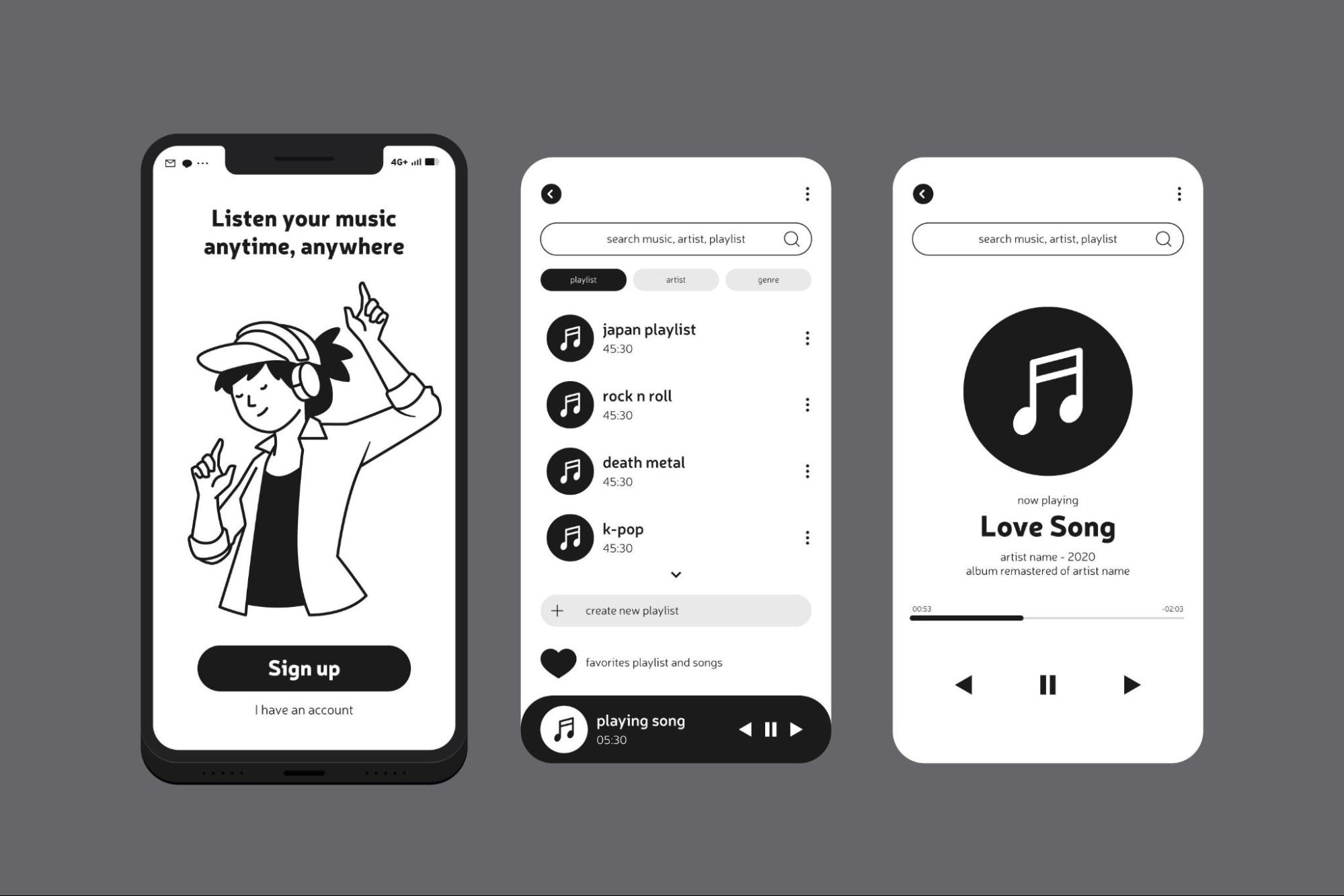
Spotify excels at personalization. Its interface adapts to listening patterns, presenting curated playlists like Discover Weekly and Daily Mixes. Seamless navigation, visually balanced content placement, and dynamic recommendations create a tailored experience.
Takeaway: Spotify demonstrates how intelligent personalization strengthens engagement and reinforces satisfaction within content-rich mobile apps.
Useful Tools for Mobile App Design
Professional mobile app design services rely on high-quality tools to create accurate, scalable, and visually strong interfaces.
These tools enhance workflow efficiency and design precision.
Figma
Figma delivers browser-based collaboration, pixel-perfect precision, and comprehensive component libraries. It supports rapid adjustments and ensures consistent UI elements across all devices.
Framer
Framer excels at interactive prototyping. Designers simulate real gestures, transitions, and animations, allowing early verification of flow and functionality.
InVision
InVision transforms static designs into interactive prototypes. Mobile mirroring provides real-device previews that accurately reflect the user experience.
Adobe XD
Adobe XD supports repeat grids, smooth auto-animate transitions, and precise layout tools. Its structure-friendly environment makes it ideal for scalable Mobile App Design workflows.
Sketch
Sketch offers a clean interface and extensive plugin support. Device-specific artboards simplify layouts for different screen size requirements.
Final Thoughts
Mobile App Design demands strategic structure, disciplined simplicity, and continuous refinement. Research, platform clarity, visual systems, consistent hierarchy, accessibility, and performance-driven decisions form the backbone of exceptional mobile experiences.
Professional mobile application design services and advanced mobile app design and development services rely on these principles to create interfaces that remain modern, intuitive, and visually compelling across an evolving digital landscape. This authoritative guidance reflects industry expectations and aims to support readers seeking dependable direction, delivered with clarity by AtheosTech.
FAQ's
Yes. These principles establish clarity, structure, and usability, allowing beginners to craft smooth and intuitive mobile experiences.
Simplicity removes clutter, highlights core actions, and creates a cleaner flow that helps users interact with the app effortlessly.
Responsive design ensures the layout remains functional and visually balanced on all modern devices.
Absolutely. Accessibility supports individuals with various needs and enhances the overall usability of the app.
Yes. Reviewing high-performing apps helps beginners understand real-world design standards and effective UX patterns.